
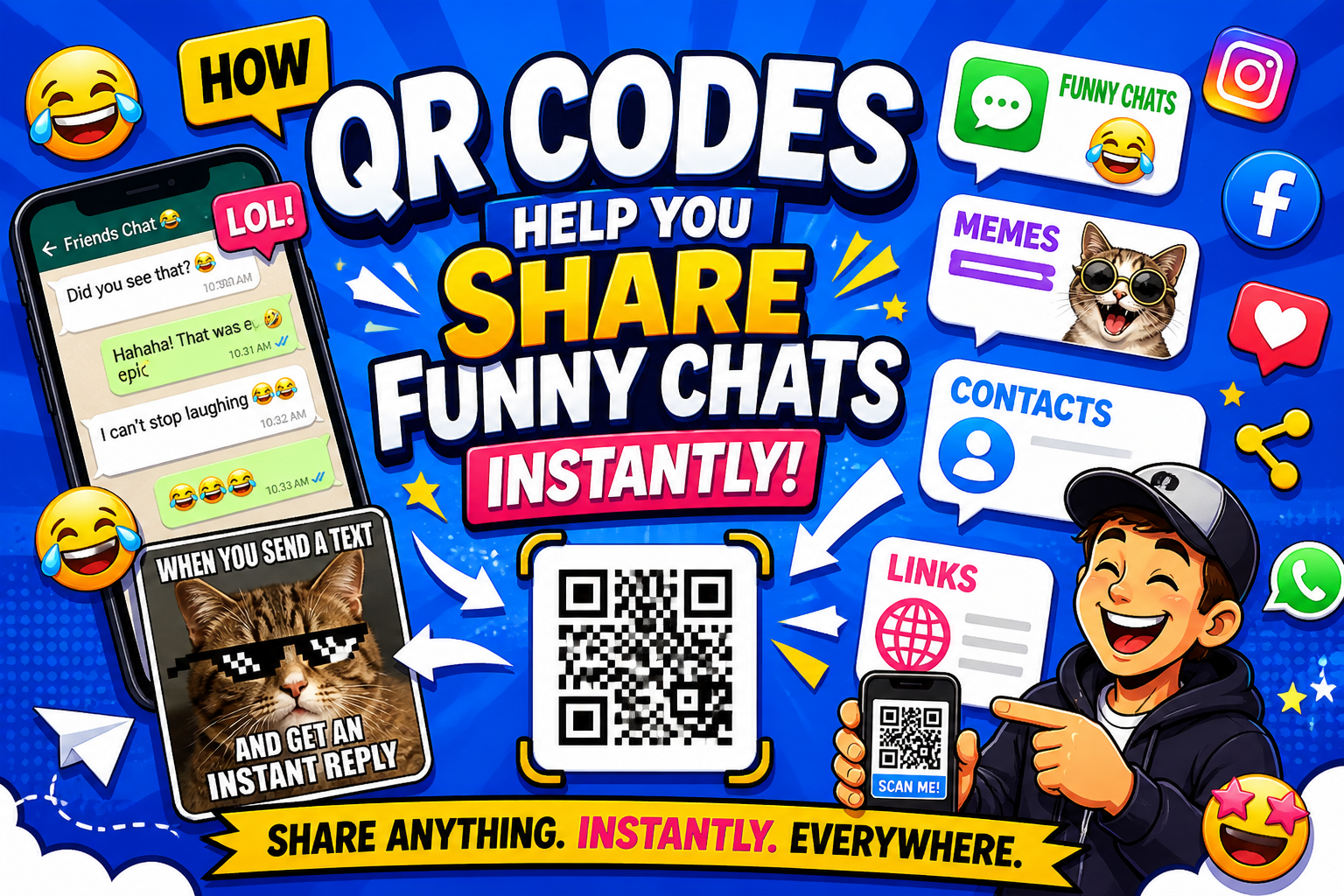
In today’s fast-paced digital world, convenience and speed matter the most. Whether you’re sharing a WhatsApp chat meme, contact details, website URL, or Wi-Fi details, nobody wants to type long URLs, paragraphs, or contact details anymore.
That’s where QR codes play an important role.
With a quick scan, you can easily share information without any mistakes across devices—making the communication faster, smarter, and more engaging. In this article, you’ll see how QR codes can clarify funny chats for Social Media, contact details, links, and more without any mistakes. Online QR Code Generator tools make your process easy and quick.
🚀 What Makes QR Codes So Powerful?
QR codes let users store and share the details in a scannable format effortlessly. Instead of typing or copying manually, users can simply scan the code with their phone camera to retrieve the stored information.
Key Benefits:
- ⚡Quick sharing (no typing, copy-paste required)
- 📱 Compatible with all devices
- 🔗Supports links, contacts, images, chats, maps, files, and more
- 🎯 Perfect for both personal and professional use
This makes QR codes suitable for sharing WhatsApp-related meme content efficiently.
💬 1. Share Images, Links Instantly
With the help of the QR codes, you can easily share your important details without any mistakes.
Instead of sending image screenshots, links, and addresses manually and multiple times, you can:
- Convert your information into a shareable link
- Generate a QR code for that link
- Let people scan and view
This is especially useful for:
- Creators
- Businesses
- Meme pages
- Marketing campaigns
- Social Media Content
👤 2. Share Contact Details Without Saving Numbers
Most of the people use QR codes to share contact information.
Instead of sending numbers manually:
“This is my number, you can message here”
You can simply:
- Create a contact profile
- Convert it into a QR code
- Share the QR code instead of a long description
Common Use Cases:
- Business cards
- Online profiles
- Events
🔗 3. Share Links Effortlessly in Seconds
Whether it’s a website or a landing page, QR codes make sharing hassle-free.
For Example –
- Share your product link
- Instead of sending long URLs, you can just share the QR code
Common Use Cases –
- Posters
- Social media promotions
- YouTube Videos
- Presentations
👉 Impact –
Users scan → Scan & View → Higher Engagement
🛠️ How to Create a QR Code (Step-by-Step Guide)
Creating a QR code is easier than you think. Online platforms like QRCodeChamp make the process powerful and easy to understand.
Steps:
1. Visit the QRCodeChamp
- Select the category for which you want to create a QR code
3. Customize design
4. Download and share
Why Use QRCodeChamp?
- Dynamic QR codes (edit anytime)
- Advanced analytics
- Custom branding
- User-friendly interface
📊 Why QR Codes Improve Engagement
QR codes not only make sharing easier—they also boost user interaction.
Here’s now:
- 🚀 Faster access = more clicks
- 📱 Mobile-friendly experience
- 🎯 Reduces drop-offs
- 📈 Boosts campaign performance
🔥 Real-Life Examples
- A marketer uses QR codes in an ad campaign for instant interaction
- A creator shares a funny meme via QR code on social media
Conclusion
QR codes have changed the way we share information. Whether it’s social media profiles, contact details, or links, they make everything quick, seamless, and user-friendly.
If you want to boost your sharing and engagement, start using QRCodeChamp’s QR codes today. Simple, powerful, and built for the digital world.